Writing a Paper: 10% Research, 90% Formatting LaTeX
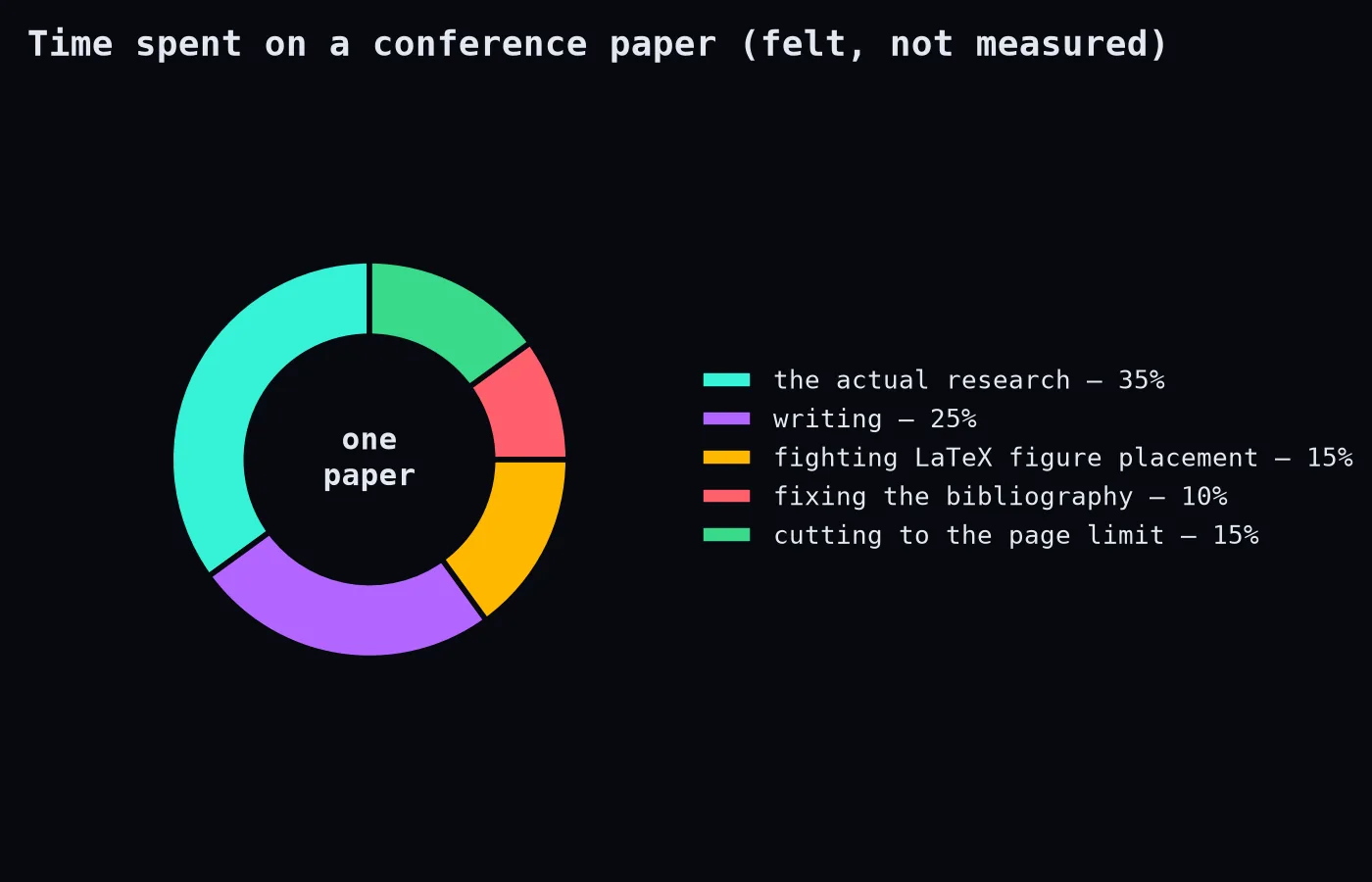
Ask a PhD student how their paper is going and you might hear "the research is done, I'm just writing it up." This sentence is a trap. "Just writing it up" can take as long as the research, and a surprising part of it is spent negotiating with LaTeX.
Why we use it anyway
LaTeX produces beautiful documents, handles equations brilliantly, manages references and cross-references automatically and is required by many journals and conferences. Once your template works, it's wonderful. Getting there is the adventure.
Survival tip 1: Use a good editor or Overleaf
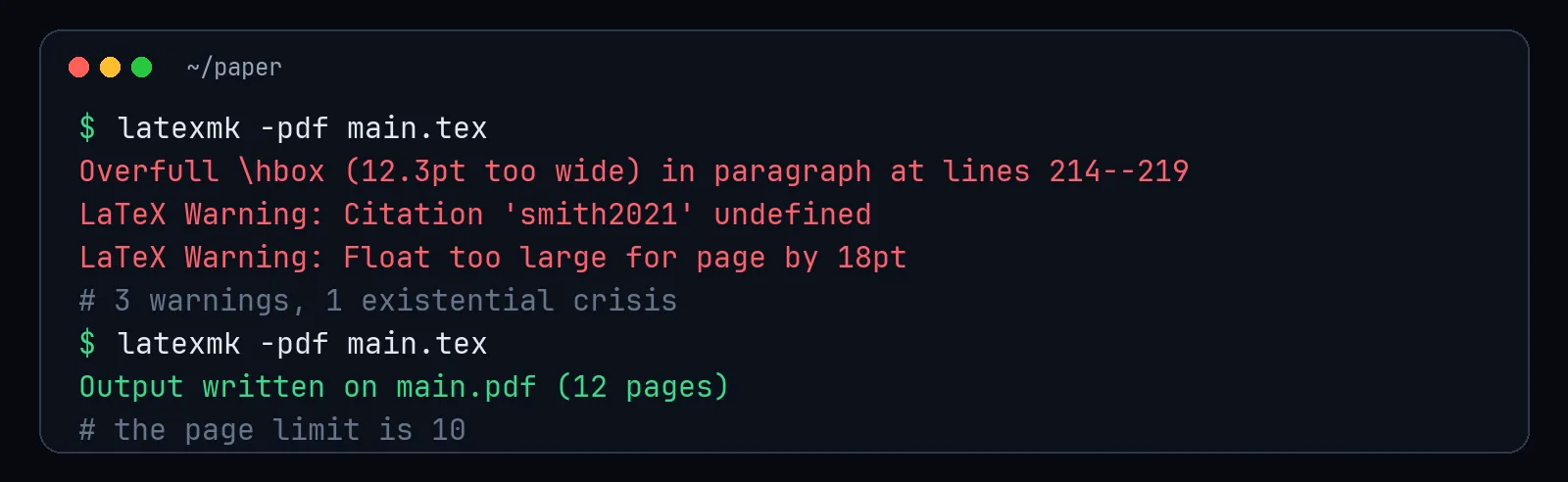
Online editors like Overleaf make collaboration easy (no emailing paper_final_v7_SYED_edits.tex), show errors clearly and keep history. Locally, latexmk rebuilds everything the right number of times automatically.
Survival tip 2: Figures
LaTeX decides where figures go, and it has opinions.
\begin{figure}[t]   % prefer the top of a page
  \centering
  \includegraphics[width=\linewidth]{figures/results.pdf}
  \caption{Accuracy across five regions. Our method (blue) ...}
  \label{fig:results}
\end{figure}- Use
[t]or[tb]instead of fighting with[h!]. - Save plots as PDF (vector) so text stays sharp, and match the font size in plots to the paper.
- Size with
\linewidthor\columnwidth, not fixed centimetres. - Always reference figures with
\ref{fig:results}rather than "the figure below," because it won't be below.
Survival tip 3: Tables
The booktabs package makes tables look professional instantly: no vertical lines, three clean horizontal rules.
\usepackage{booktabs}
...
\begin{tabular}{lrr}
\toprule
Method & Accuracy & F1 \\
\midrule
Baseline & 0.81 & 0.77 \\
Ours     & \textbf{0.87} & \textbf{0.84} \\
\bottomrule
\end{tabular}
If a table is too wide, try smaller font (\small), abbreviations in headers or \resizebox as a last resort.
Survival tip 4: References
Use a reference manager (Zotero is free and excellent) to export a .bib file. Check imported entries: capitalisation in titles often breaks (protect acronyms with braces, {CNN}), and author names arrive in creative formats.
Survival tip 5: The page limit
When you're half a page over:
- tighten sentences ("in order to" → "to")
- move details to an appendix or supplementary material
- combine small figures into one with subfigures
- remove a paragraph that repeats the introduction (there's always one)
Don't shrink margins or fonts. Reviewers and editors notice, and some venues reject papers for it.
Survival tip 6: Version control
Put your paper in Git. Then "I accidentally deleted the related work section" becomes a minor inconvenience instead of a tragedy.
The perspective
Formatting frustration is temporary; the paper is permanent. When you finally see the compiled PDF with your figures in the right places and every citation resolved, it looks like a real piece of science, because it is. Then you discover a typo in the abstract, and the cycle begins again.