50 Tesla Tips and Tricks (A Few of Them Even Work)
Congratulations on your Tesla. You now own a computer that happens to have wheels, a 15-inch tablet that happens to have a steering wheel, and an unshakeable urge to tell strangers about your range. Here are 50 tips and tricks to help you get the most from it, plus a few to help you stay friends with everyone at the charger.
Quick disclaimer: Tesla ships software updates constantly and features differ by model, year and country, so a menu may have moved since I wrote this. This is an unofficial guide from a fan, not from the company. When in doubt, check your owner's manual.
Charging: where you'll spend your new free time
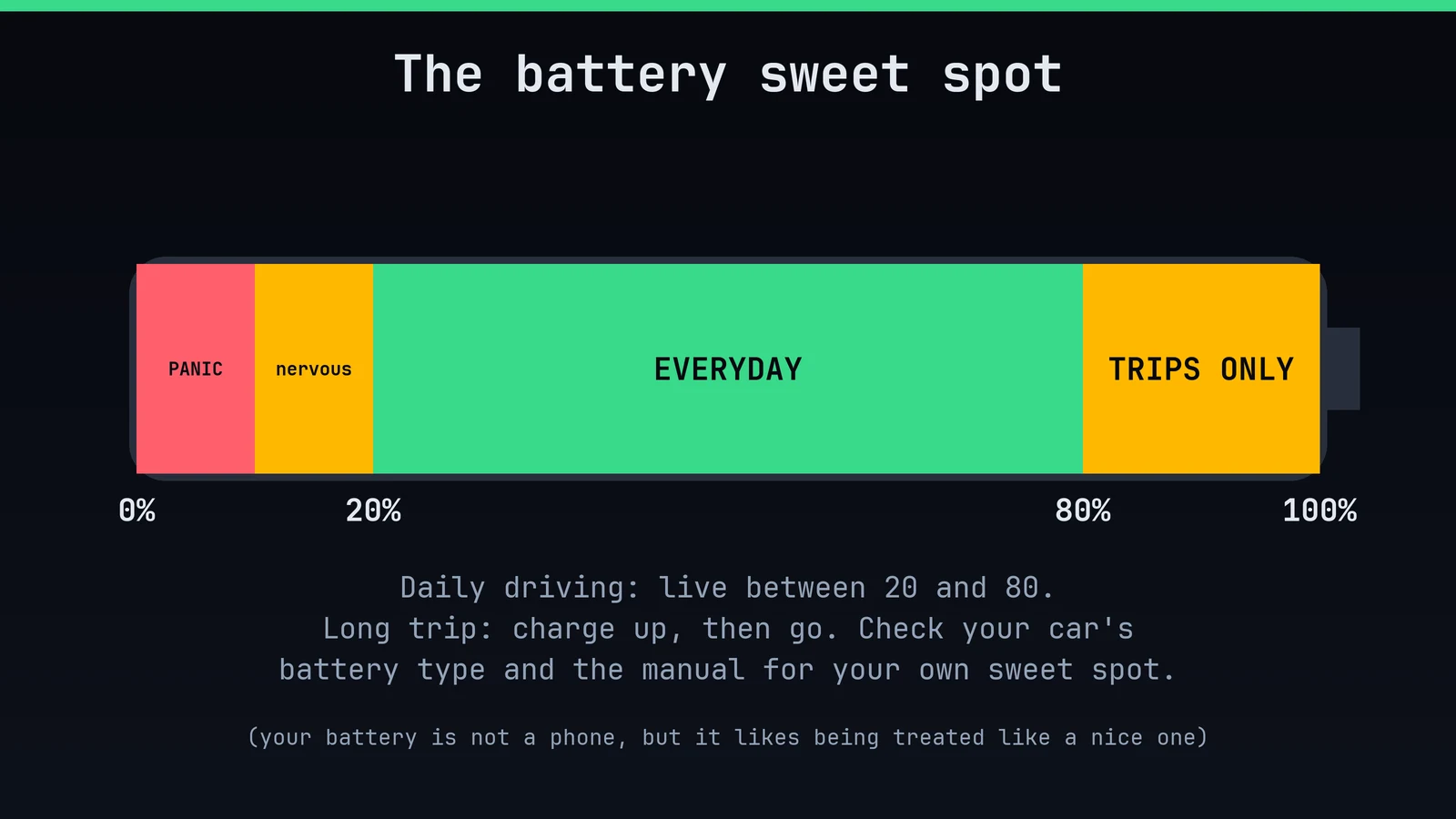
1. Live between 20% and 80%. For everyday driving, the battery is happiest in the middle. Charge higher only before a long trip, and check your manual, because some battery types are fine at 100%.
2. Charge at home overnight. It's the cheapest, most relaxing way to own an EV. You wake up with a "full tank" every morning, which petrol cars have never once managed.
3. Use scheduled charging. Many electricity plans are cheaper off-peak. Tell the car when to start and it'll quietly do the maths while you sleep.
4. Set a charge limit and forget it. Drag the slider in the car or the app. Future you will thank present you.
5. Navigate to a Supercharger before you arrive. The car warms the battery on the way, so you charge faster. Skipping this is the number one cause of "why is this so slow?"
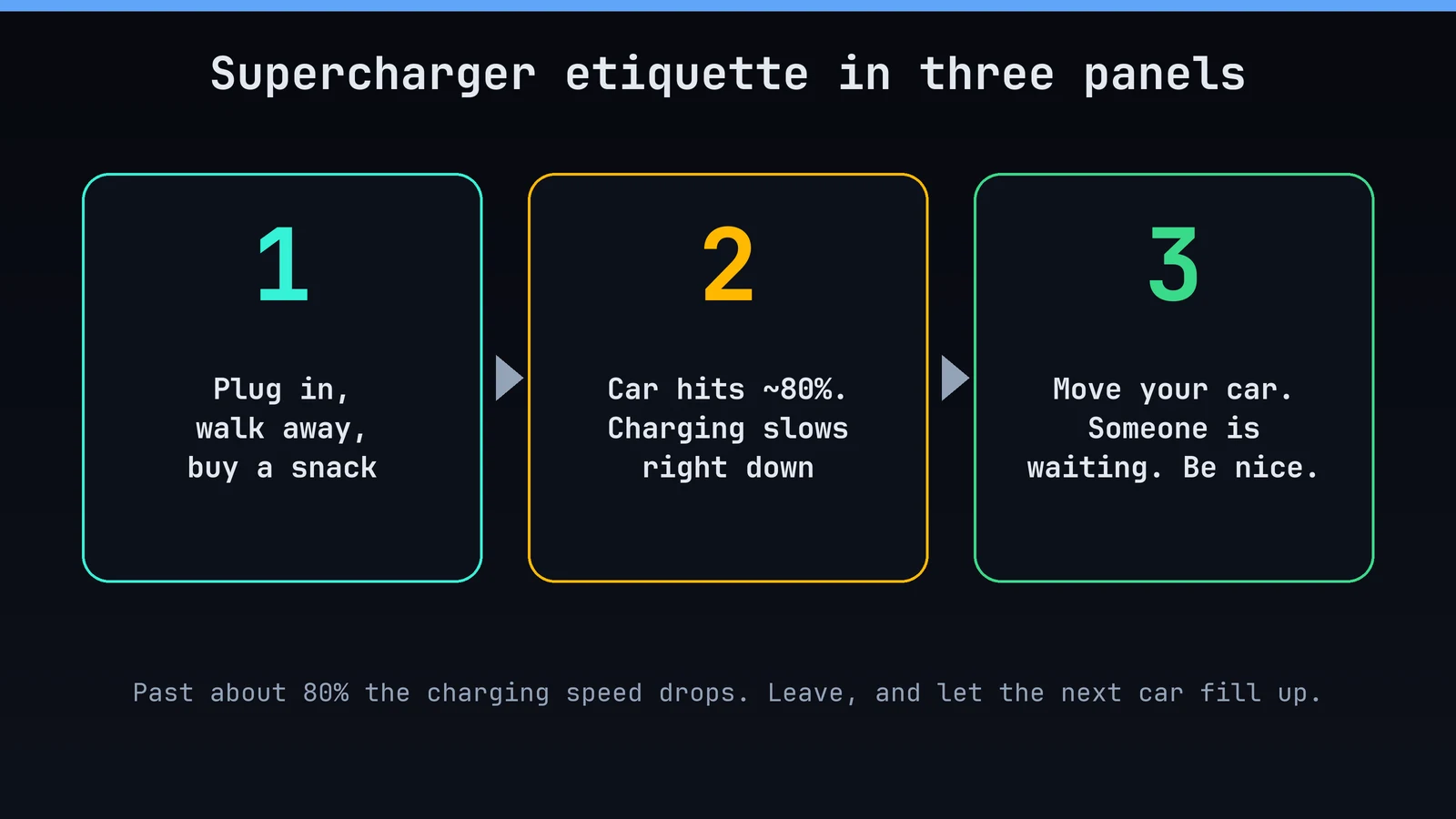
6. Move your car at about 80% at a Supercharger. Charging slows right down past that point, and someone is waiting behind you. Be the person you'd want in the next stall.
7. Mind the idle fees. Many Superchargers charge extra if you stay plugged in once the car is full and the site is busy. Your car texts you. Do not ignore the car.
8. Plan trips with the in-car navigation. It picks charging stops for you, which is a big upgrade over "I'll just see how it goes".
9. Open the charge port by touch. Press the button on the charging handle, or just say "open charge port". No hunting through menus with a cable in your hand.
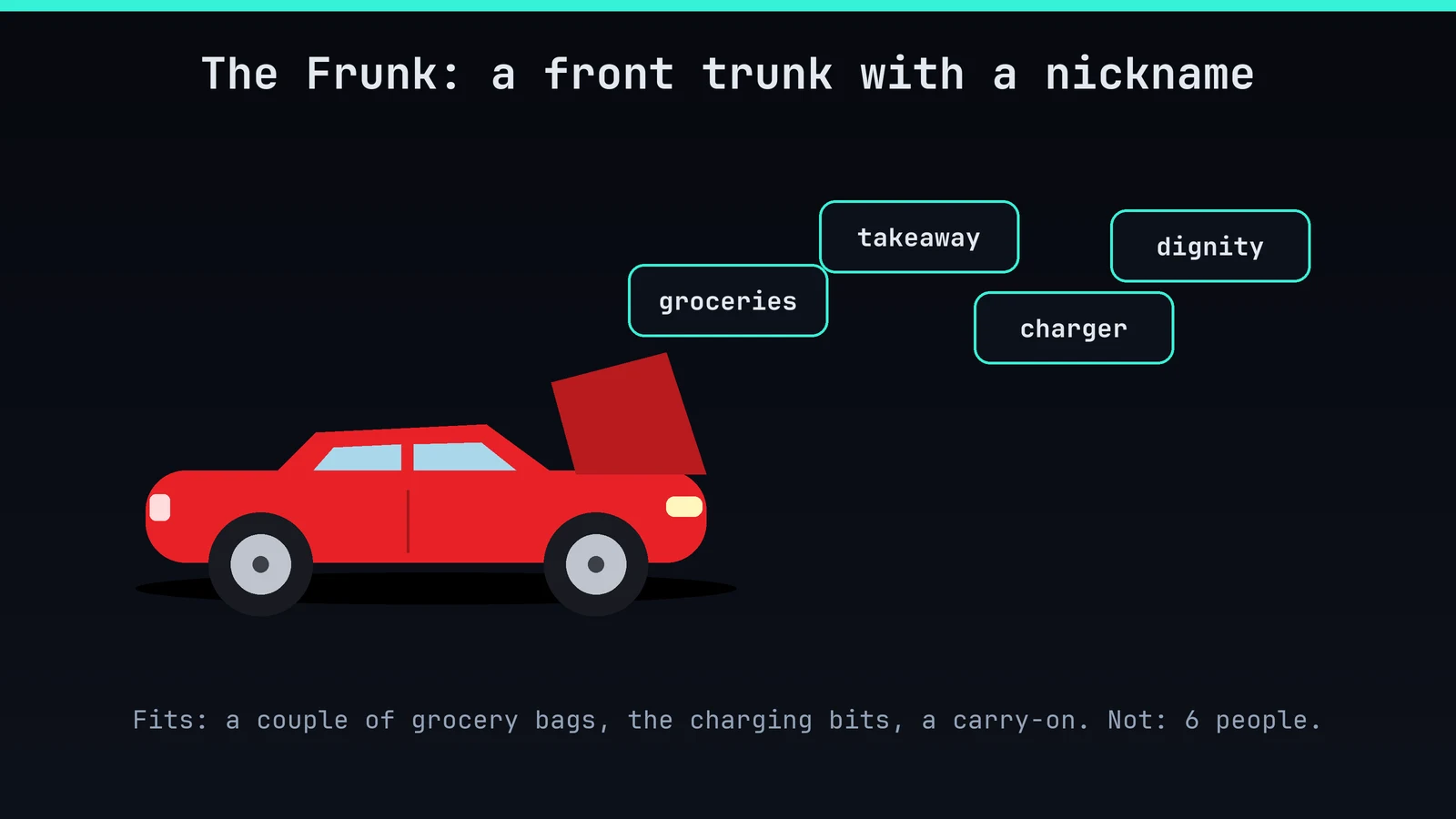
10. Keep a spare adapter in the frunk. The day you need it, you will need it badly.
Driving: gentler than it looks
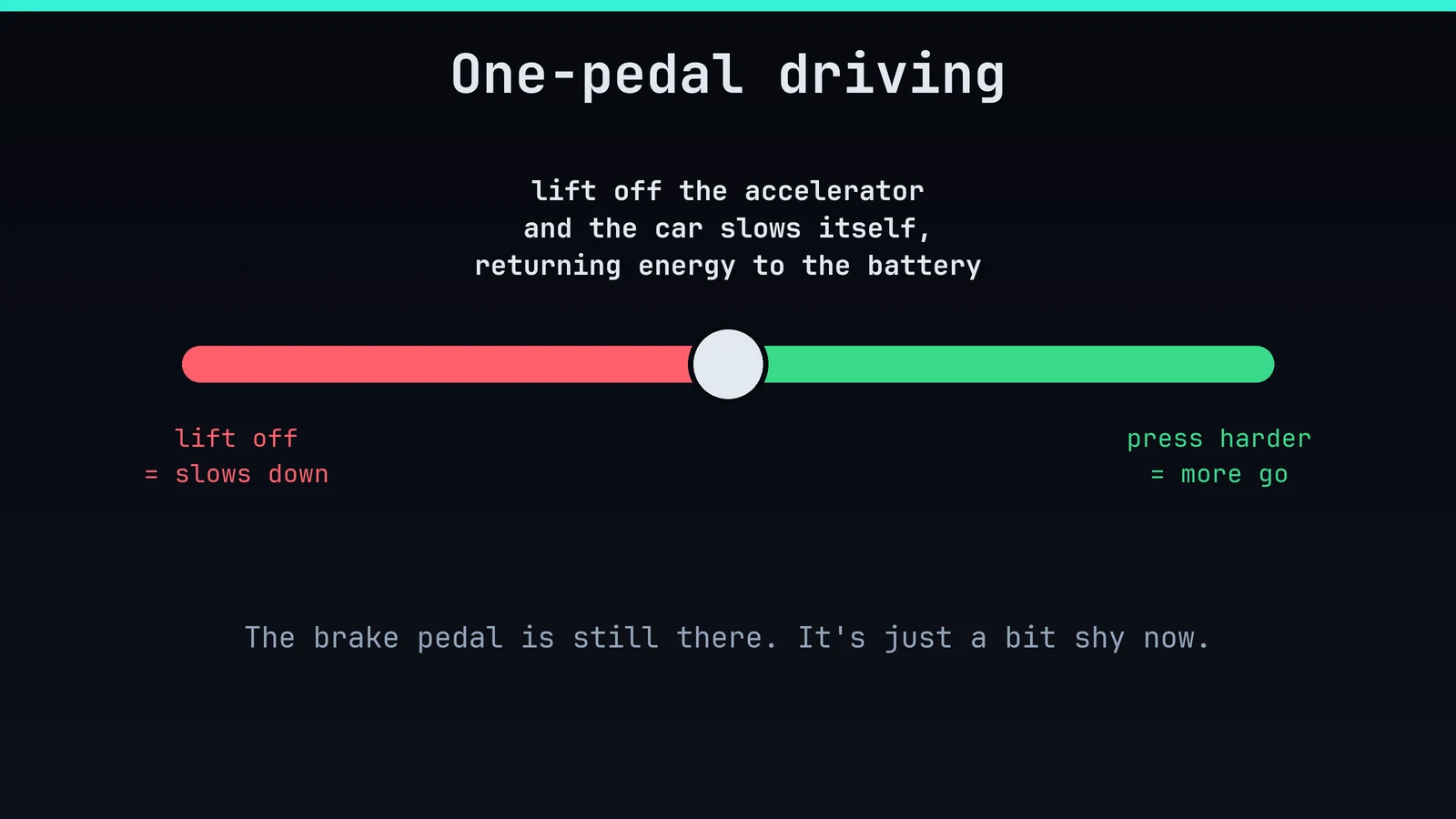
11. Try one-pedal driving. Lift your foot and the car slows itself and puts energy back in the battery. After a week, regular cars will feel like they're missing something.
12. Don't forget the brake pedal exists. Emergencies, sudden stops, and every time a squirrel makes a poor life choice. It's still there for you.
13. Pick your steering feel. Comfort, Standard or Sport, all in the menu. Sport feels sharper, Comfort feels like a sofa.
14. Use Chill mode for gentler acceleration. Great for passengers who didn't sign a waiver. Switch to standard when you want the push-you-into-your-seat feeling.
15. Cruise control is a "slow down" machine too. The car adjusts its speed to the traffic ahead, which makes long motorway drives much less tiring.
16. Learn what Autopilot and FSD (Supervised) really are. They're driver-assistance systems. You're still the driver: eyes up, hands ready.
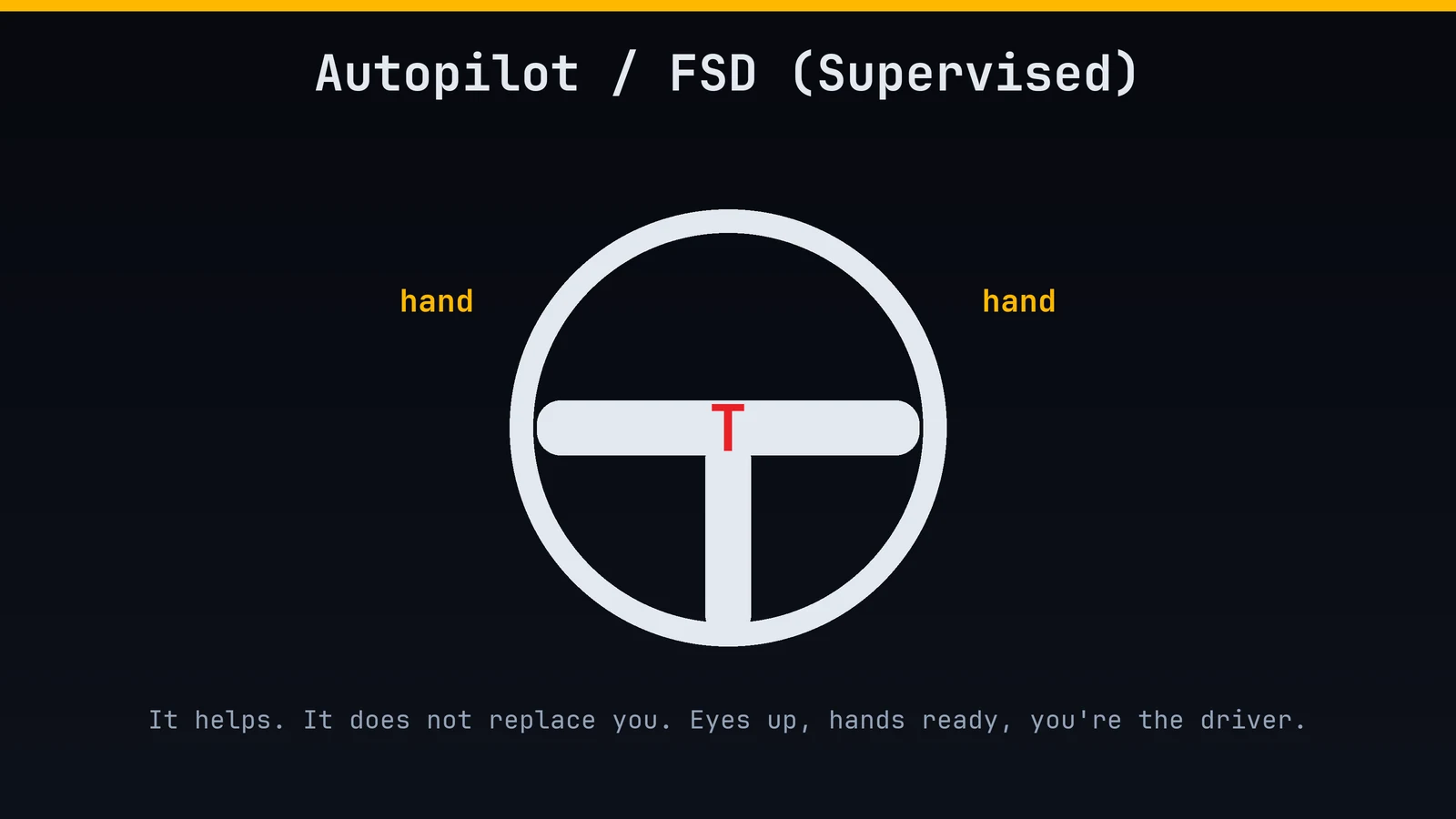
17. Follow the nags. If the car asks you to touch the wheel, touch the wheel. It's not being rude, it's being right.
18. Check your tyre pressure monthly. Low pressure costs range and wears tyres. It takes two minutes and a gauge.
19. Mind the tyres you pick. Different tyres can change range by a noticeable amount, so ask before you buy winter or performance ones.
20. Keep the aero wheel covers on if you have them. They look like hubcaps, they behave like hubcaps, and they're actually helping your range.
Comfort: the real flex
21. Precondition from the app. Heat or cool the cabin before you get in. Stepping into a warm car in January is a small miracle.
22. Use seat heaters instead of the cabin heater. Heating your body is cheaper in energy than heating the whole car. Bonus: they feel amazing.
23. Defrost with the app. Your windscreen will be clear before you've finished your coffee. Ice scrapers: bow your head in silence.
24. Turn on Cabin Overheat Protection. It keeps the interior from turning into an oven on hot days. Your steering wheel, your leftover sandwich and your sanity all appreciate it.
25. Use a driver profile. Seat, mirrors, steering and settings follow the driver. Share the car without the daily "who moved my seat?" argument.
26. Walk-away lock is your friend. Take your phone key with you and the car locks when you leave. If it doesn't, check your settings.
27. Keep a key card in your wallet. Phones die. The card, tapped on the door pillar, opens the car and starts it.
28. Vent the windows from the app. On a hot day, a cracked window is a free "air conditioner".
Fun: the toybox
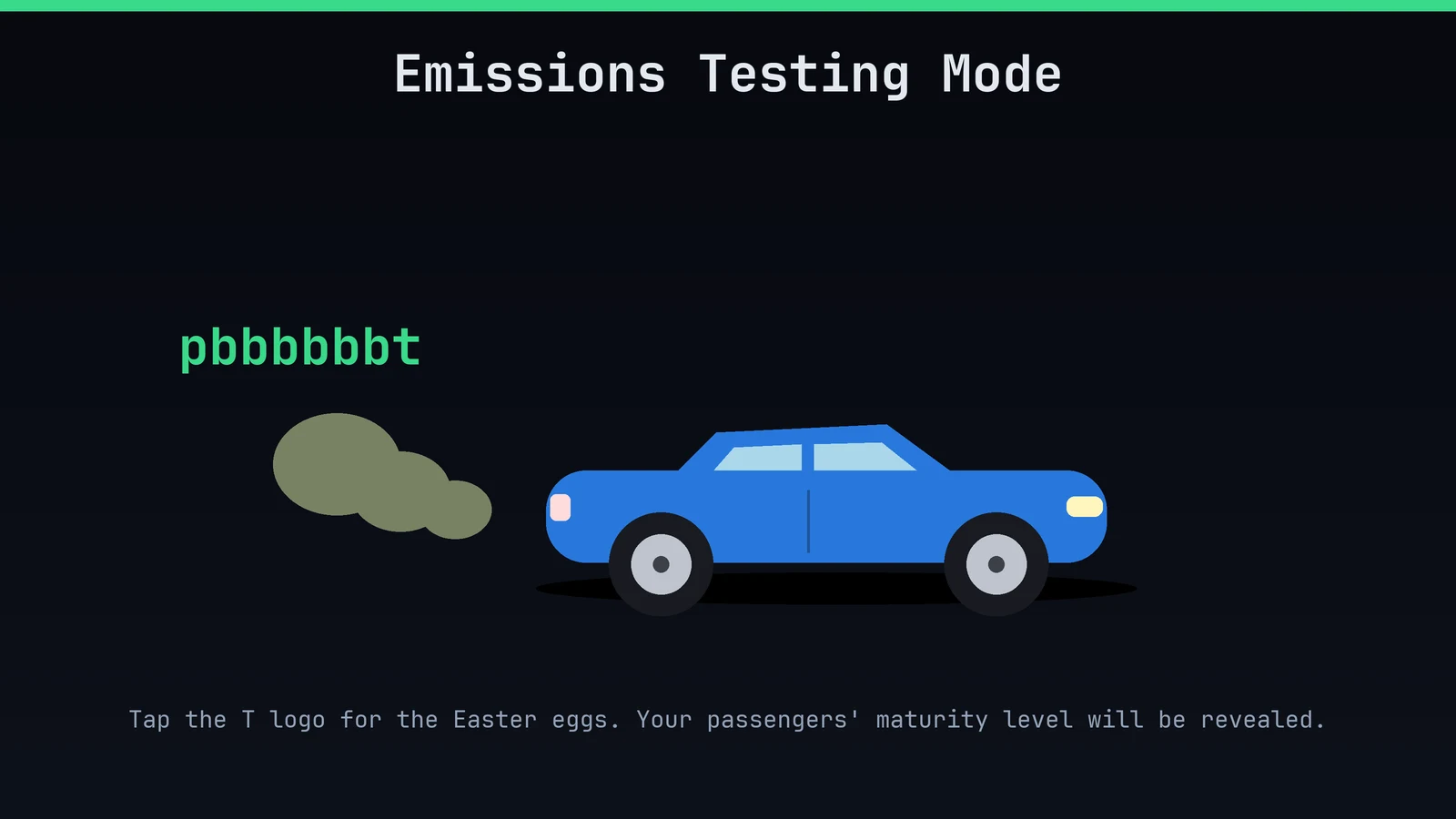
29. Tap the "T" logo on the screen. That's where the Easter eggs live. You're welcome.
30. Engage Emissions Testing Mode. One of those eggs. The car makes the rudest noises it can. Passengers' maturity levels will be revealed.
31. Try Romance Mode. It shows a virtual fireplace on the screen. Yes, a fireplace in your car. We live in the future.
32. Boombox: make your car a speaker. Parked, it can play funny noises out loud. Use responsibly, or your neighbours will remember you.
33. Play Rainbow Road on the driving visualisation. On supported cars, the road lights up like a certain Mario Kart course. Strictly for when you're parked, of course.
34. Play Arcade games while charging. Parked only. Charging at a busy site? Congratulations, you've found the best waiting room.
35. Watch Netflix or YouTube while parked. The screen is huge and the sound is great. Not while driving. Never while driving.
36. Do karaoke with Caraoke. Sing along to your favourite songs, and keep your neighbours' windows closed.
37. Use Mars mode on the map. Drive across the red planet. Slightly less useful than the normal map, but cooler.
38. Name your car. Everybody does it. Something dignified like "Sir Charges-a-Lot" works well.
Safety and peace of mind
39. Turn on Sentry Mode. It records people and objects near your car while parked. You'll need a USB drive in the car with a folder named TeslaCam.
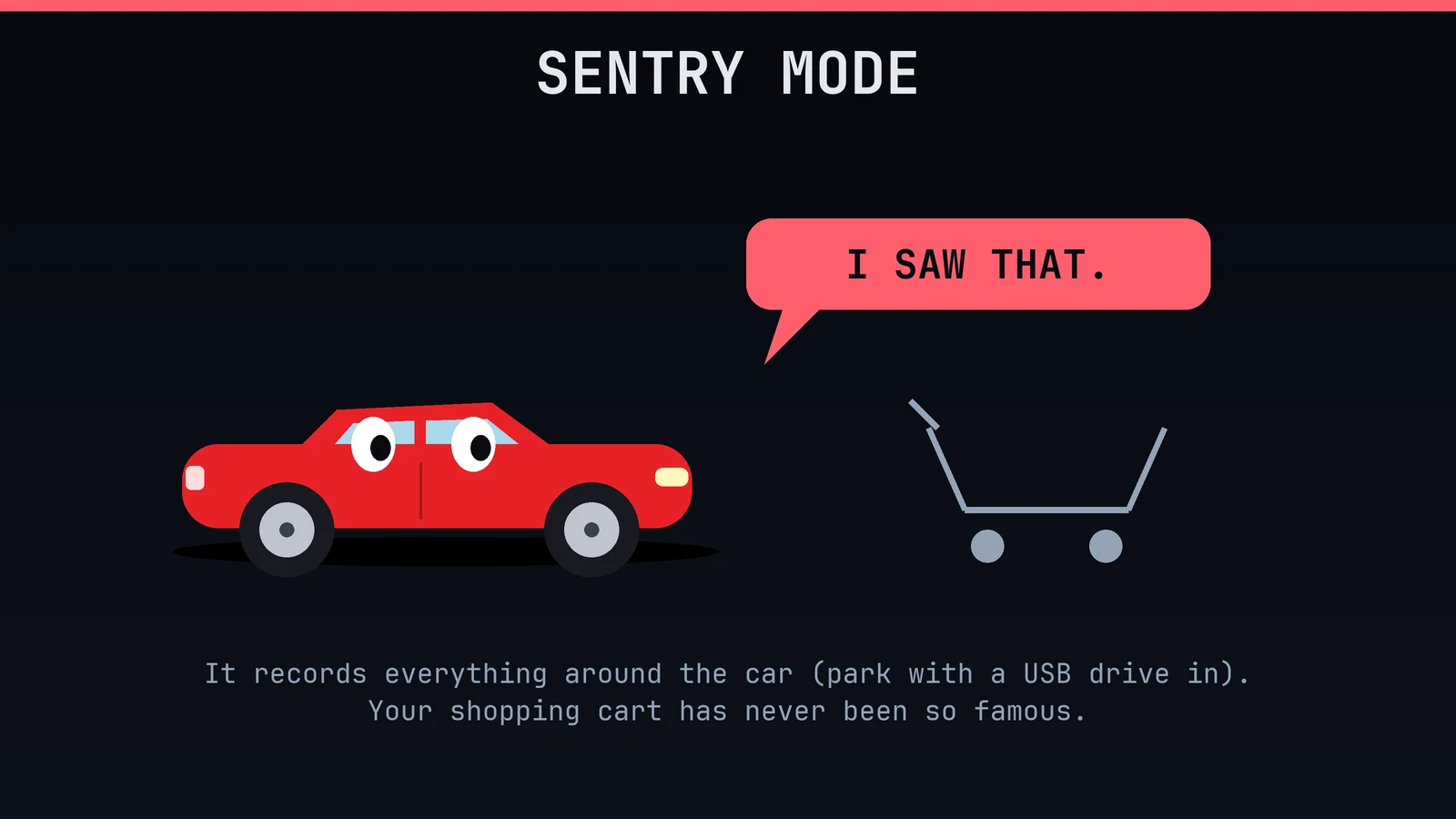
40. Save the dashcam clip right away. Something odd happens? Tap the dashcam icon to save the last few minutes before they get overwritten.
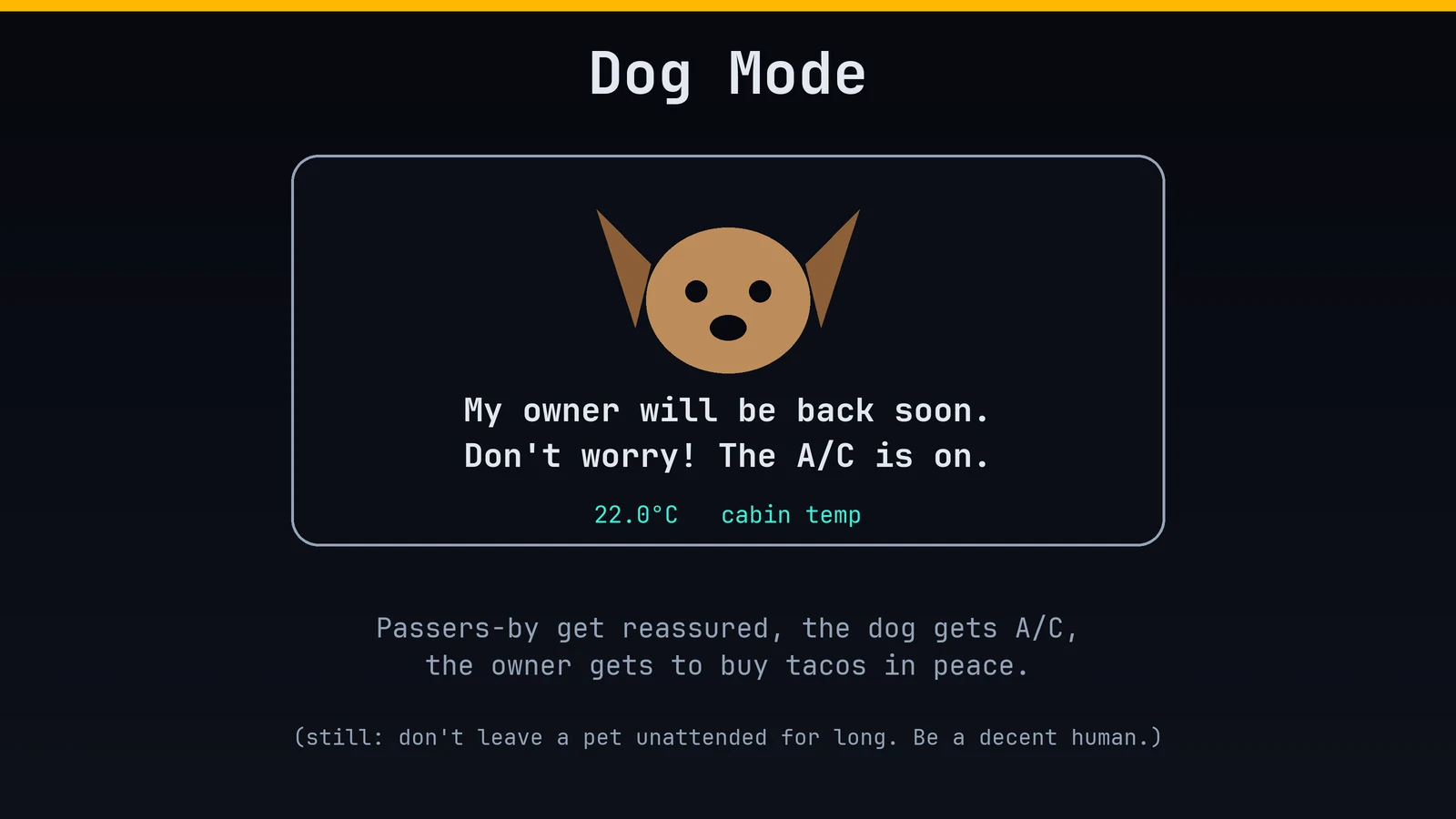
41. Use Dog Mode when you must leave a pet. The car keeps the climate on and puts a friendly message on the screen. But don't push it, and don't leave a pet for long. Be a decent human.
42. Use Camp Mode for sleeping in the car. It keeps the climate and screen powered so you can sleep at a campsite. Just watch your battery level.
43. Turn on Valet Mode when handing over keys. It limits speed and locks away your personal info, glovebox and frunk.
44. Find your car with Honk and Flash. In the app, tap the horn or the lights. Great in giant car parks and at stadiums.
45. Check for cats before you drive off. Cats love a warm car and a quiet spot. A quick look around, and a tap on the bonnet, saves a very bad morning.
Tech support and housekeeping
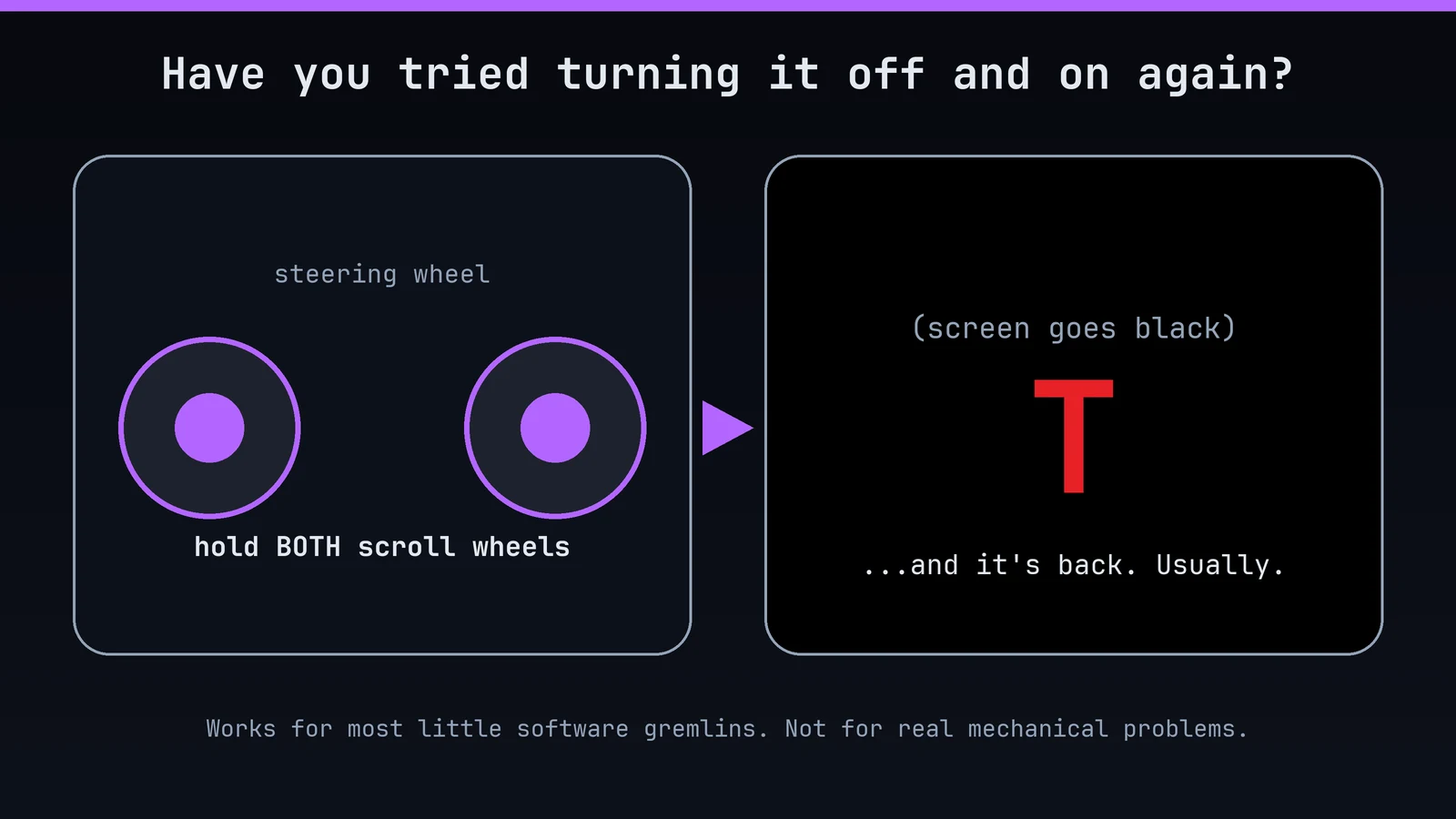
46. Reboot the screen. Hold both scroll wheels on the steering wheel until the screen goes black. It fixes lots of weird little bugs. It's the "have you tried turning it off and on again?" of the car world.
47. Use Clean Mode before wiping the screen. It disables the touch inputs so you don't change the temperature to 28 degrees while wiping off your child's fingerprints.
48. Use Car Wash Mode before an automatic wash. It closes the windows, locks the charge port and turns off wipers and sensors that might get confused. Read your manual for the exact steps.
49. Use Jack Mode when you lift the car. It stops the suspension from adjusting while the car is up on a jack. Do it right, and don't jack in the wrong spots.
50. Use the frunk for what it's for. Groceries, takeaway, the charging kit, your dignity. Not six people.
One last tip (the bonus 51)
Enjoy the silence. Your car is quieter than the dishwasher, faster than most things you've owned, and gets better every few weeks with software updates. Wave at other owners, move when you're charged, and don't tell strangers your range unless they ask.
(They won't ask. Tell them anyway.)