100 BMW Tips and Tricks for Newer Models (2023 and Later)
So you've bought a newer BMW. Congratulations. You are now the owner of a very clever machine with a huge curved screen, a voice assistant that answers to its name, and a feature list longer than your phone contract. Most owners use about ten percent of it, and spend the rest of their ownership wondering what that other button does.
Here are 100 tips and tricks, in ten rounds of ten, for newer models (roughly 2023 and later). Read it with a coffee. Skip around. Show off at dinner.
Important: BMW builds a lot of different cars, and features depend on your model, your options, your software version and your country. If a tip doesn't match your car, check your owner's manual or the My BMW app. This is an unofficial fan guide, not an official manual.
Round 1: Keys and getting in
1. Put the key on your phone. With Digital Key (set up in the My BMW app and your phone's wallet, on supported phones), your phone unlocks and starts the car. On newer systems it can work without you digging the phone out of your pocket.
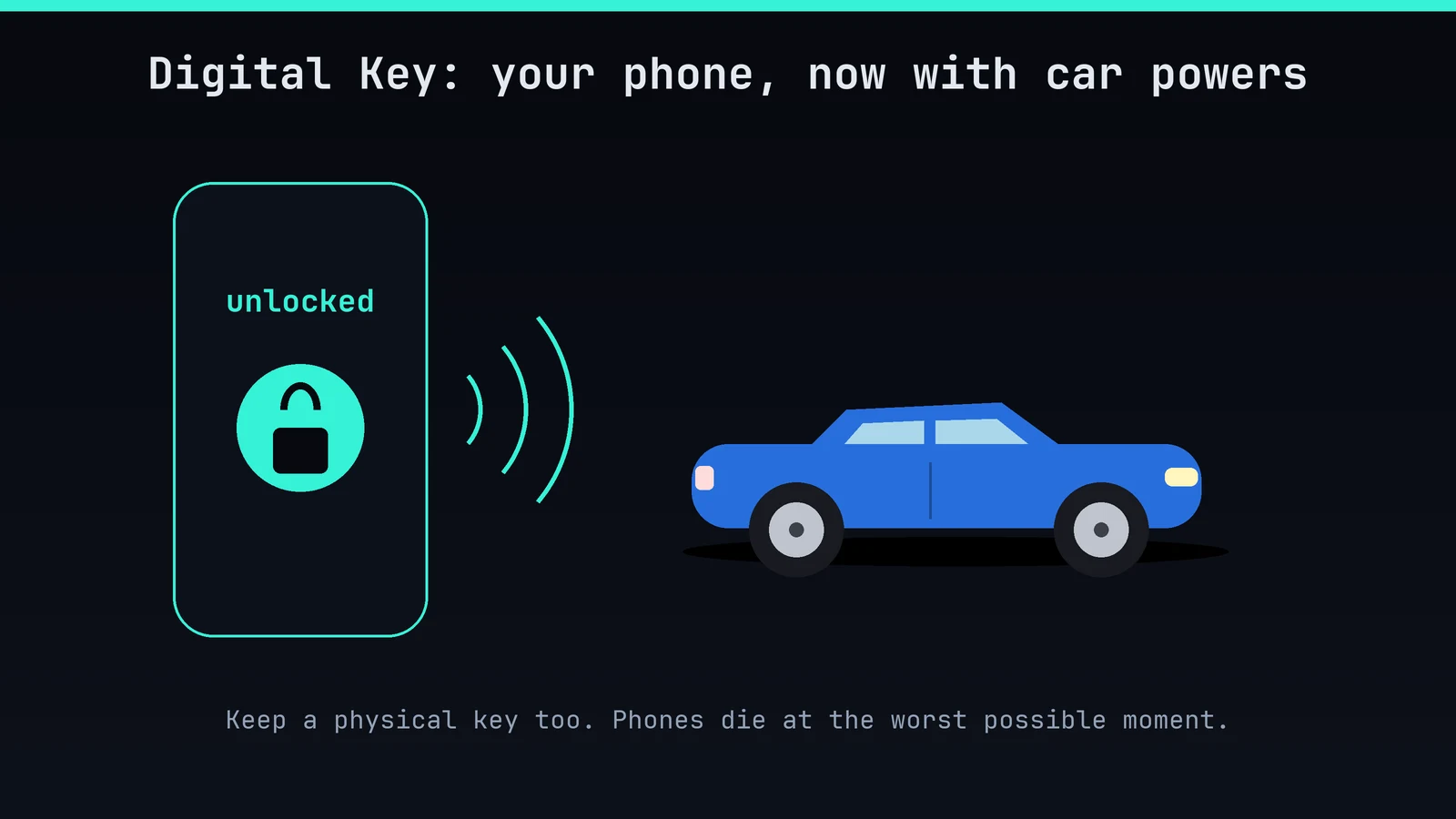
2. Carry the physical key anyway. Phones die at the worst possible moment. The key has never needed a software update.
3. Use Comfort Access. Walk up and pull the handle; touch the lock surface on the handle to lock. You'll never again press a button like it's 2009.
4. Learn the hands-free tailgate. On cars with it, swing your foot under the rear bumper (with the key on you). Practice at home first, so the neighbours see you kicking at nothing only once.
5. Hold the lock button. On many models, holding unlock on the key opens the windows, and holding lock closes them. Handy in a hot car park.
6. Limit the tailgate's opening height. If your garage has a low roof, set the maximum height in the vehicle settings. Your tailgate will thank you. So will your garage.
7. Choose who unlocks. In the settings you can unlock just the driver's door instead of every door. Good when you're alone, and a little safer.
8. Make the mirrors fold when you lock. It's a setting. Narrow streets and mirror-hungry lorries will give you a silent nod.
9. Create a profile for every driver. Seats, mirrors, climate and favourites can follow each person's profile, so the "who moved my seat?" argument ends before it starts.
10. Find your car with the app. My BMW can flash the lights and honk the horn. Great in giant car parks, terrible if you do it at 3 a.m.
Round 2: iDrive and the big screen
11. Learn the controller. If your car has the iDrive knob, spin, push and nudge it. It's the best way to use menus at speed, and it's why some of us won't switch to a pure touchscreen.
12. Use whichever input is fastest. Touch for the map, the knob for lists, your voice for everything else. There's no prize for using only one.
13. Customise the home screen. Move the widgets so the things you use (map, media, climate) are on the first page. Everyone else's layout is somebody else's idea of "default".
14. Save favourites to shortcuts. A destination, a radio station, a contact: one tap instead of five.
15. Use the climate strip. On the curved display, climate controls stay at the bottom, so you can change the temperature without leaving the map.
16. Choose what the driver display shows. Map, media, trip or just the essentials. Pick one and stop squinting at the centre screen.
17. Pick a theme. Light, dark or automatic. If your eyes hate night driving, a darker setup helps.
18. Try gesture control. On models that have it, twirl a finger to change the volume or point to answer a call. It feels like conducting an orchestra, until the dog sees you waving.
19. Use wireless CarPlay or Android Auto. Leave the phone in your pocket or on the wireless charging pad and the maps and music appear.
20. Install the over-the-air updates. Your BMW can update itself, new features included. When it asks, park somewhere safe and let it do its thing.
Round 3: "Hey BMW" and the app
21. Talk to it like a person. Say "Hey BMW, I'm cold" and it warms the cabin. It really is easier than hunting for a button.
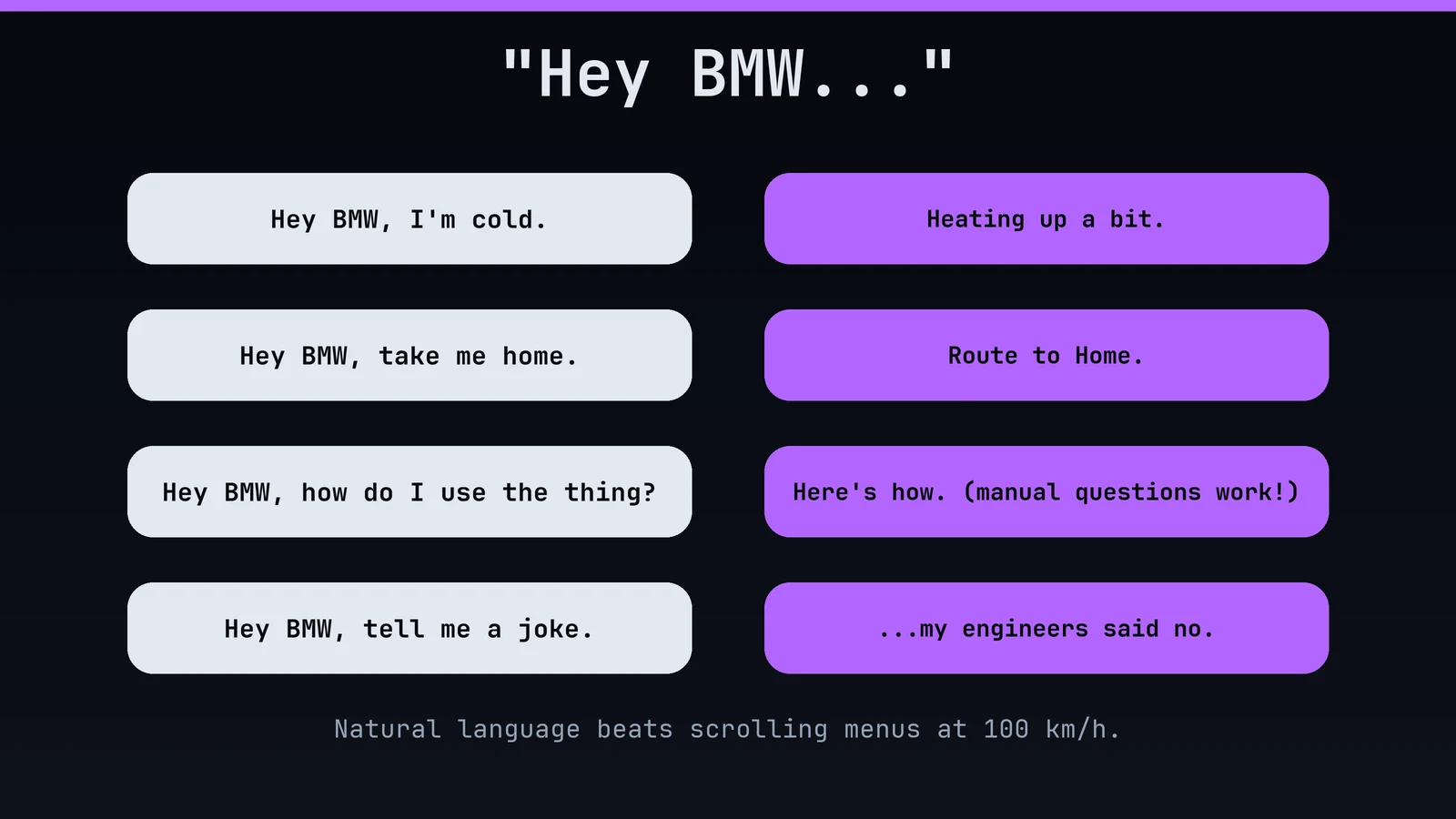
22. Ask it for places. "Take me to the nearest charging station" (or petrol station) is the safest way to navigate at speed.
23. Ask how stuff works. "Hey BMW, how do I...?" Lots of cars can answer manual questions out loud. It's the owner's manual that talks back.
24. Rename the assistant. On some versions, you can pick your own wake word. Yes, you can call your car "Jeeves".
25. Send destinations from your phone. Plan it on the sofa, send it to the car, and it's waiting in navigation when you sit down.
26. Pre-heat or pre-cool with My BMW. Where the car supports it, use the app to set the climate before you leave. Frosty-morning champion.
27. Check Remote 3D View. On cars with Parking Assistant Professional, you can look around the car from your phone. It's brilliant for spotting that mystery dent.
28. Look at your vehicle status. Doors, windows, range, charging: one glance in the app tells you if the sunroof is open before the rain starts.
29. Book your service in the app. Reminders and bookings in one place. Fewer excuses.
30. Check what's included before buying extras. BMW sells connected features and subscriptions. Check what your car already has, so you don't pay twice for the same thing.
Round 4: Driving modes and fun
31. Use the driving modes. Efficient, Comfort, Sport and Personal change throttle, steering and (on cars with adaptive parts) suspension. They really do change the car's mood.
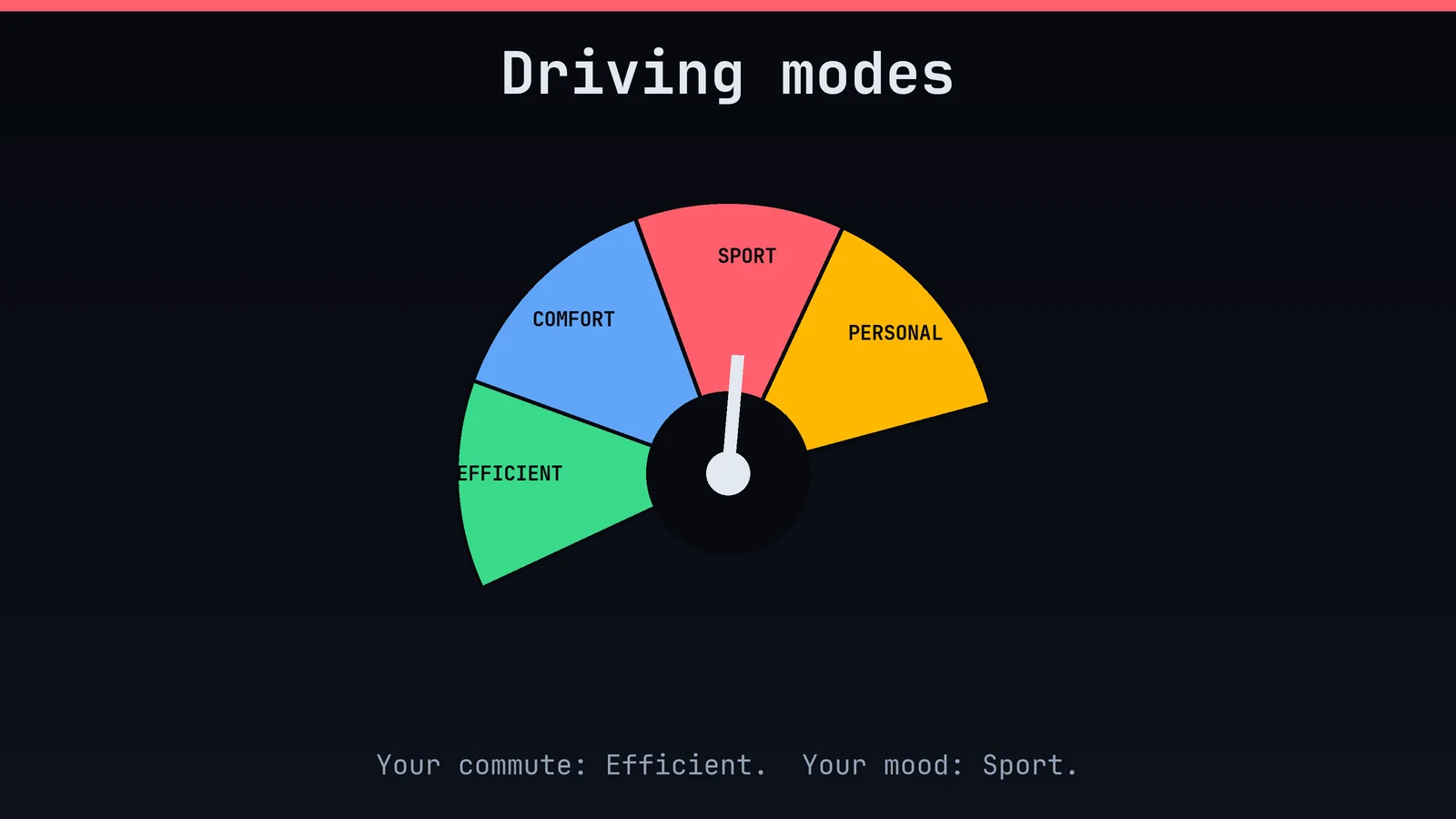
32. Build your own Personal mode. Sport engine, comfy suspension, light steering: pick the combination that suits you.
33. Learn the paddles. The paddles behind the wheel let you hold a gear. Flick down before a bend and feel like a racing driver on the way to Sainsbury's.
34. Listen to the sound. On EVs, IconicSounds Electric (composed with Hans Zimmer) gives the car a voice. You can change or turn it down in the settings.
35. Try the efficient modes. Eco-type modes ease off the throttle and climate use, and some cars coast on a trailing throttle. A good way to go further on a tank or a charge.
36. Don't floor it when cold. Give the engine and the tyres a few minutes to wake up. They're just like you before coffee.
37. Use the steering setting you like. Comfort feels light, Sport feels heavier. Neither is "right". Pick the one that makes you smile.
38. Learn the M buttons. On M models, the M1 and M2 buttons store your favourite setups. One press for "commute", one for "I'm having a day".
39. Use M Mode with respect. M cars can switch the displays between Road, Sport and Track. Track means a track, not the high street.
40. Remember the car is clever, you're still the driver. Fancy modes don't repeal physics. Pace yourself.
Round 5: Driver assistance and parking
41. Use Active Cruise Control. It follows the car in front at a set distance and slows down and speeds up for you. It makes long drives far less tiring.
42. Check Speed Limit Assist. The car reads signs and can suggest or adopt the limit. Confirm it before you trust it blindly; signs sometimes lie.
43. Understand lane assistance. It gently nudges you back into your lane. It's not a replacement for steering, so keep your hands where they belong.
44. Learn the Highway Assistant, if you have it. Where it's fitted and legal, it can help steer on motorways, with you watching. Eyes on the road, always.
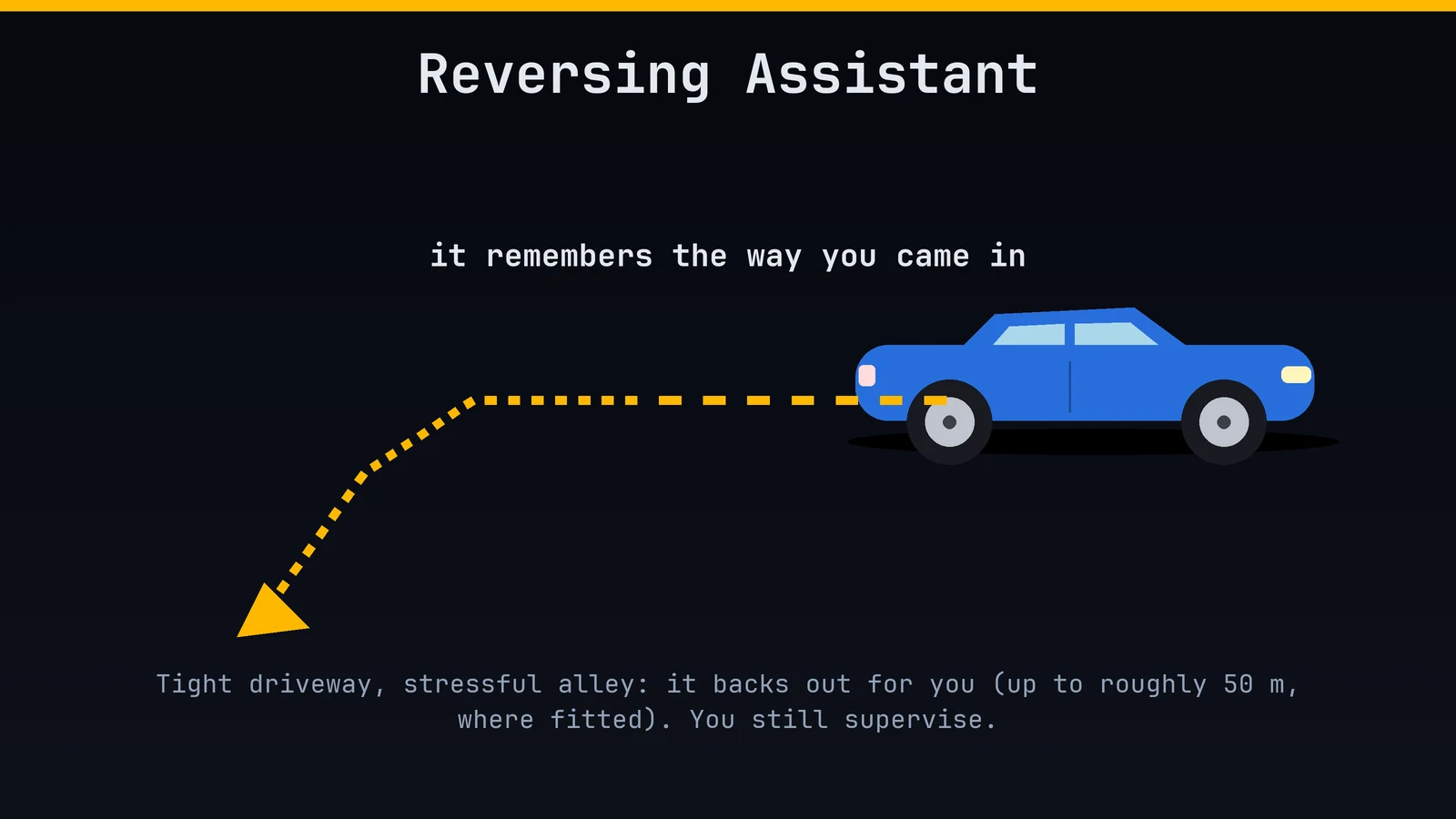
45. Use the Reversing Assistant. On cars with it, the car remembers the last stretch you drove forward (up to roughly 50 m) and reverses it for you. Perfect for narrow driveways and stressful alleys.
46. Let the car park itself. Parking Assistant finds a space and steers in. It parks better than most of us, at least when we're being watched.
47. Park from outside the car. On cars with Remote Control Parking, you can move into tight garages with the key, so doors don't have to open into a wall.
48. Use the 3D surround view. The camera views show every wheel and kerb. Curbed wheels, begone.
49. Use Auto Hold. At red lights the car holds the brakes for you, so you can relax your foot. It's the small things.
50. Turn the beeps to taste. Parking sensors can be adjusted. Keep the safety ones on and tune the rest.
Round 6: Comfort and cabin
51. Pick your ambient lighting. Colours, themes and brightness are all adjustable. Move the mood to match your mood.
52. Use Ambient Air where fitted. Some cars can add a light scent and filter the cabin. Your car can smell better than your office.
53. Meet the Interaction Bar. On newer models, the illuminated bar across the dash shows alerts and lets you touch certain controls. It is also very pretty.
54. Try the massage seats. If your seats have it, find the menu. You will arrive more relaxed than you left.
55. Heat the steering wheel. A heated wheel on a cold morning is a luxury you'll never go back from. Some cars link it to the seat heating automatically.
56. Store your seat positions. The memory buttons on the door save your favourite seat and mirror positions. Press, relax, repeat.
57. Use the Auto climate setting. Set the temperature and let the system do the rest. It knows more about airflow than you do.
58. Use the panoramic roof and shade. Open it for the view, close it for the heat. Mind the hot-roof sunburn on your head.
59. Use the wireless charger properly. Lay the phone flat, remove thick cases and metal, and it'll charge steadily. The dashboard isn't a dumping ground.
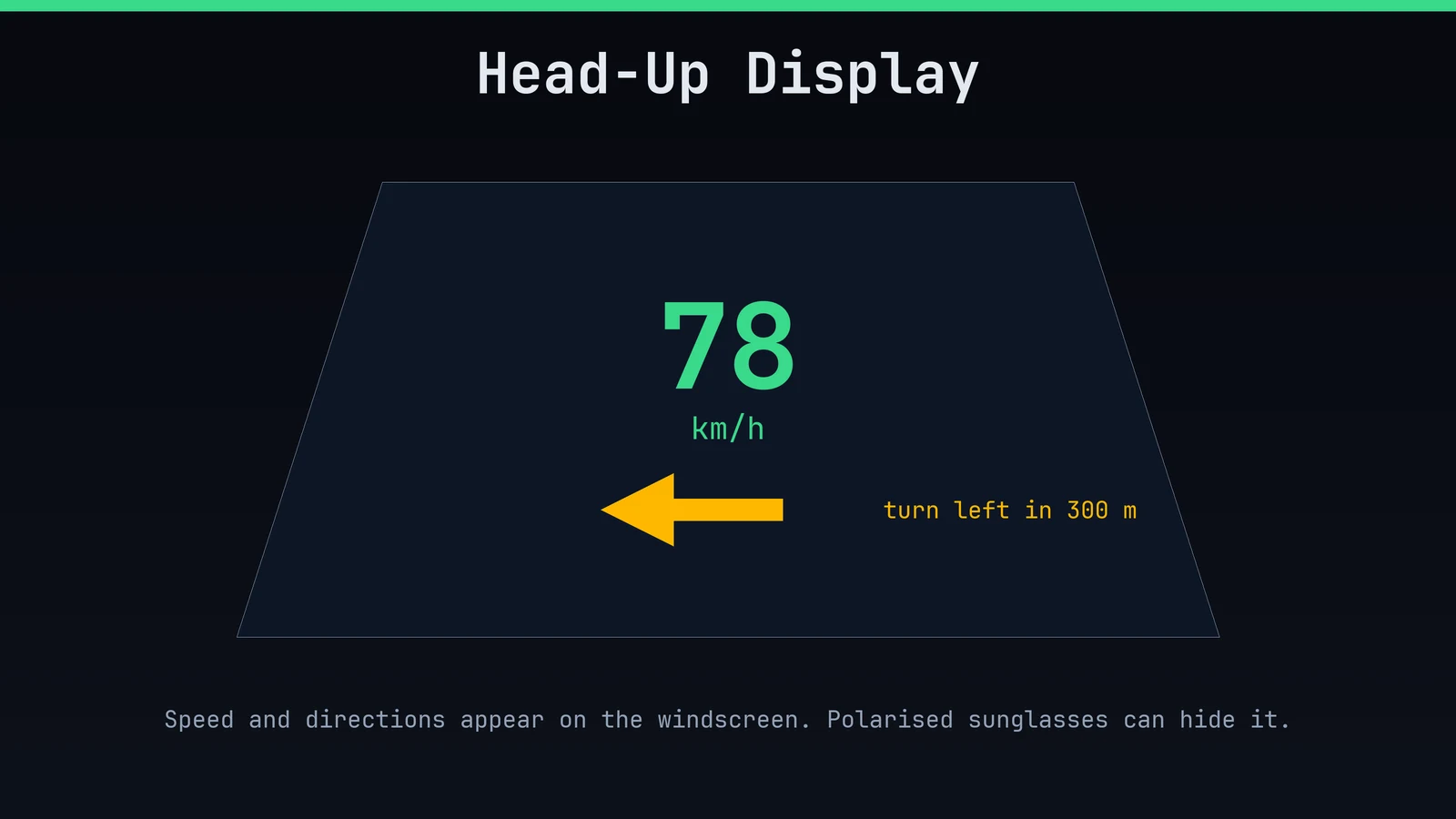
60. Set up the Head-Up Display. Adjust its height and content so speed and directions sit comfortably in your view. Polarised sunglasses can hide it, so check before a sunny trip.
Round 7: Charging and electrified models
61. Plug in your plug-in hybrid. If you have a PHEV and never charge it, you're driving a heavy petrol car with extra steps. Plug it in at home.
62. Set your charge limit. Use the car or the app to pick a target level. A little under full is kinder for daily use.
63. Use charging timers. Charge off-peak when electricity is cheaper. Your wallet will say thank you in a very quiet voice.
64. Navigate to the fast charger. On EVs, the car can warm the battery on the way, so you charge faster when you arrive.
65. Let the car plan the route. Navigation can include charging stops. It's a lot less stressful than guessing.
66. Check Plug & Charge. In supported places you just plug in and the car sorts payment. No fumbling with cards and apps.
67. Learn the regeneration modes. Adaptive and stronger settings recover energy when you lift off. Try them; one will feel perfect.
68. Use electric mode in town. Save the petrol engine for motorways and the quiet electric mode for the school run.
69. Save the battery for later. On PHEVs, you can hold the charge for the city part of a trip. Smart for long journeys that end in a low-emission zone.
70. Keep the cable tidy. Store it neatly, wipe the plugs, and don't leave it as a trip hazard. Your future self will find it where it should be.
Round 8: Maintenance and ownership
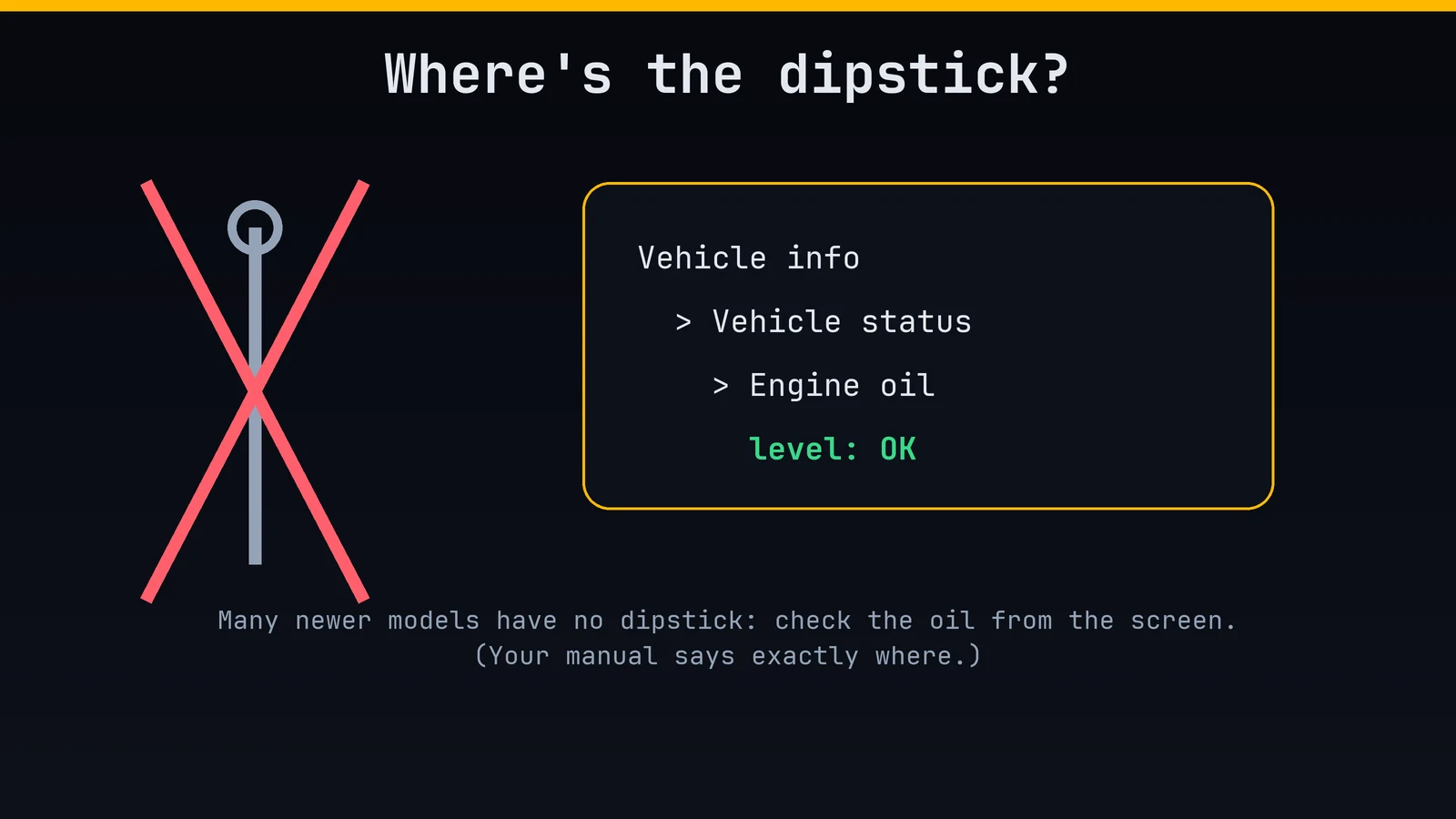
71. Check the oil from the screen. Many newer BMWs have no dipstick. The level is in the vehicle information menu. Check your manual for where.
72. Trust Condition Based Service. The car tells you what's due, based on how it's used. That's smarter than a rigid calendar, but don't ignore it.
73. Check tyre pressures. Use the pressure monitor, and reset it after inflating. Right pressure = better grip, range and tyre life.
74. Use the right oil. BMW has approved oil specs, and the wrong one is a bad idea. Ask the garage to confirm.
75. Find the wiper service position. There's a way to lift the wipers for blade changes. Look it up, so you don't snap an arm on a frosty morning.
76. Add AdBlue if yours is a diesel. The car will warn you before it runs out. Treat that warning like your phone's last 5%.
77. Use a battery maintainer for long breaks. If the car sits for weeks, the 12-volt battery will thank you for the tender loving care.
78. Clean the screen gently. Use a soft cloth and no harsh chemicals. Fingerprints are not worth a scratched display.
79. Buy proper winter tyres. The best upgrade for cold weather isn't a button. It's rubber.
80. Keep your service records. A full history helps when it's time to sell, and helps the garage know what's been done.
Round 9: Safety and peace of mind
81. Use the BMW Drive Recorder, if fitted. With a suitable USB drive, it can record what the cameras see and save clips. Great after a close call.
82. Know the SOS button. The overhead emergency call button connects you to help and can share your location. Never needed, always good to have.
83. Use the child locks. Rear door and window locks keep little hands under control.
84. Keep the collision warnings on. The warnings are annoying until the day they're not. Adjust the sensitivity, don't switch them off.
85. Adjust headrests and belts properly. It takes 30 seconds and does more than most gadgets.
86. Know where the safety kit is. First aid and warning triangle: find them now, not on the hard shoulder.
87. Find the tow eye. There's a screw-in tow eye in the boot tool kit (and a cover on the bumper). Knowing where it is saves a bad day.
88. Check what you have for flat tyres. Run-flats, a repair kit or a spare? Know before you need it.
89. Use Valet mode where available. It can lock sensitive info away when someone else parks your car. Tip the valet; they've seen your playlist.
90. Know the hazard button. It's the red triangle button on the dash or centre console. Use it when you're stopped and need to be seen.
Round 10: Little things that make you smile
91. Pick a welcome light show. Some models have welcome and goodbye lighting patterns. Unlock the car and let it do a little dance.
92. Fold the rear seats with the boot levers. Many cars have release handles in the boot. IKEA runs just got easier.
93. Ask for a joke. "Hey BMW, tell me a joke." The answer may be bad. That's the point.
94. Learn the shortcuts. A long press on a button often does something different. Experiment while parked.
95. Store your favourite radio stations. And the playlist. And the podcast. Make it feel like your car.
96. Use the right fuel. Check which fuel your car needs and stick with it. It's cheaper than a repair bill.
97. Keep the boot tidy. A loose item in a corner can become a missile in a hard stop. Secure the heavy stuff.
98. Read the manual once. Honestly. It's thicker than a novel, but the digital version in the car is searchable.
99. Wave back. Not every BMW owner waves, but the friendly ones do. Be a friendly one.
100. Enjoy the drive. Take the long way home once in a while. That's the real tip.
Final word
If you learned one new thing, I'm happy. If you learned ten, go and show off at the next traffic light. Just not too fast.
Got a tip I missed? Tell me. I'll steal it and credit you.